Enhancing Digital Design with Butler Icons Set: A Comprehensive Guide
Icons play a pivotal role in modern digital design, acting as visual cues that guide users, enhance aesthetics, and streamline communication. Among the many icon sets available today, the Butler Icons Set stands out for its versatility, clarity, and adaptability across platforms. Whether you're crafting a mobile app interface, designing an infographic, or building a responsive website, this collection offers a robust foundation for visual storytelling and functional design.
Understanding the Butler Icons Set
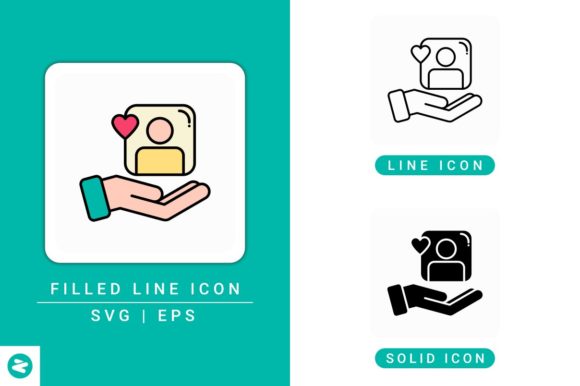
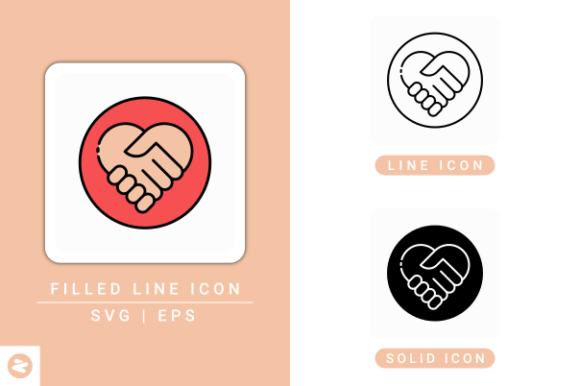
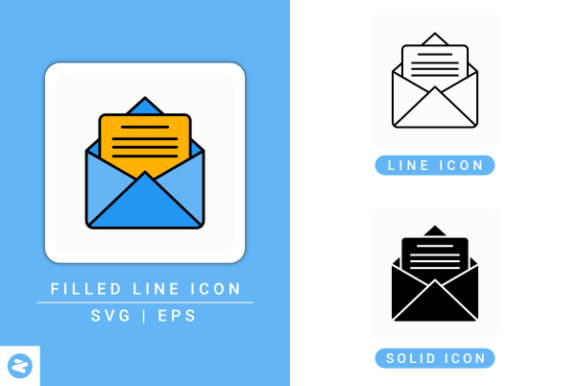
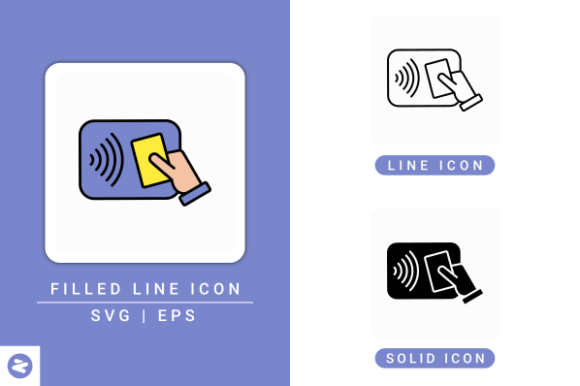
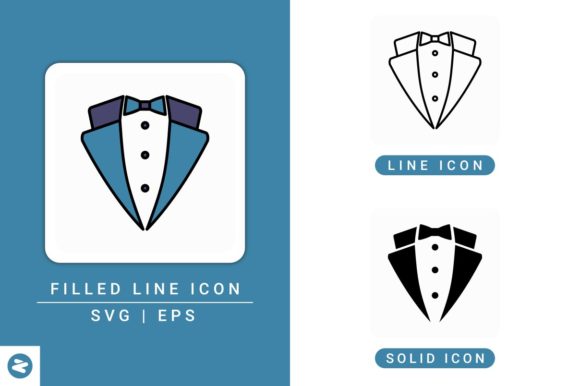
The Butler Icons Set is a meticulously curated library of icons available in multiple formats: filled line, line, and solid styles. Each variant is provided in SVG and EPS files, ensuring compatibility with popular design tools such as Adobe Illustrator, Inkscape, Affinity Designer, and Gravit Designer. These icons are not only scalable but also editable, allowing designers to tweak stroke widths, colors, and other attributes to suit their specific project needs.
The set embraces a tuxedo-style concept, blending elegance with minimalism. This design philosophy makes it particularly effective for professional environments where a clean, sophisticated appearance is essential. Whether you're developing a corporate dashboard or a lifestyle app, the visual language of the Butler Icons Set ensures consistency and clarity across your interface.
Practical Applications Across Design Disciplines
One of the standout features of the Butler Icons Set is its broad applicability. Here are some of the most common use cases where this icon set proves invaluable:
- Web Design: Icons enhance navigation menus, improve readability, and reduce cognitive load. With the Butler Icons Set, web developers can integrate scalable vector graphics that maintain quality across devices.
- Mobile App UI: In mobile interfaces where space is limited, icons become the primary means of interaction. The clean, solid icon line style of this set ensures legibility even on smaller screens.
- Infographics: Visual data presentations benefit from icons that are instantly recognizable. The Butler Icons Set offers a cohesive visual language that supports both aesthetic appeal and information clarity.
- Print and Presentation Materials: Designers often repurpose digital assets for print or slide decks. The EPS format included in the Butler Icons Set allows for seamless integration into these formats without compromising quality.
Advantages of Using Butler Icons in Your Projects
When selecting an icon set, it's essential to consider factors like scalability, customization, and visual harmony. The Butler Icons Set excels in these areas, offering several key advantages:
- Highly Scalable: As vector-based assets, the icons retain sharpness and clarity at any size, making them ideal for both high-resolution screens and print media.
- Editable Strokes: Designers can modify stroke widths and colors, allowing for seamless integration with brand guidelines or theme variations.
- Multiple Style Options: The availability of filled line, line, and solid styles gives users the flexibility to choose the most appropriate look for each context.
- Isolated Backgrounds: Icons are presented on clean, isolated backgrounds, which simplifies placement and ensures they don't clash with surrounding design elements.
- Wide Software Compatibility: Whether you're using Adobe Illustrator for vector editing or Gravit Designer for quick web-based adjustments, the Butler Icons Set is designed to work seamlessly across platforms.
Design Considerations for Optimal Use
While the Butler Icons Set is designed for ease of use, there are several best practices to consider for maximizing its potential:
- Maintain Visual Consistency: Stick to one style (filled, line, or solid) within a single project unless intentional contrast is desired. Mixing styles without purpose can create visual dissonance.
- Balance Icon and Text: Icons should complement, not replace, text. Use them alongside labels to ensure accessibility and clarity, especially for less common symbols.
- Optimize for Accessibility: Choose colors that provide sufficient contrast against backgrounds. This is especially important for users with visual impairments.
- Consider Responsiveness: Ensure icons scale appropriately on different screen sizes by using responsive design techniques and testing across devices.
- Leverage SVG Advantages: Since SVG files are code-based, they can be manipulated with CSS and JavaScript, enabling interactive elements and dynamic changes.
Who Benefits Most from the Butler Icons Set?
The Butler Icons Set caters to a diverse audience, from individual creators to enterprise-level teams. Here’s how different user groups can benefit:
- Web Developers: Easily integrate icons into responsive layouts without worrying about pixelation or file size issues.
- UI/UX Designers: Create visually cohesive interfaces that are both functional and aesthetically pleasing.
- Graphic Designers: Use the EPS format for print media or incorporate icons into branding materials with professional polish.
- Content Creators: Enhance blog posts, social media graphics, and educational materials with visually engaging icons that support messaging.
- Business Owners: Improve the user experience of company websites and apps, leading to better engagement and customer satisfaction.
Incorporating Butler Icons into Your Workflow
Integrating the Butler Icons Set into your design process is straightforward. After downloading the package, you'll find three main folders containing the different icon styles: filled line, line, and solid. Each folder includes SVG and EPS versions of the icons. Here's how to make the most of each format:
- SVG Files: Ideal for web use. They can be embedded directly into HTML or CSS, and their XML structure allows for easy customization via code.
- EPS Files: Best suited for print and vector editing. Open them in Adobe Illustrator or similar software to scale without loss of quality or to edit individual elements.
- Editable Stroke Icons: One of the standout features of the set is the ability to adjust stroke widths. This allows for greater control over icon appearance, especially when adapting to different design themes or accessibility requirements.
For teams working collaboratively, organizing icons within a design system or asset library ensures consistency and efficiency. Tools like Sketch or Figma can be used to store and share icon styles across projects.
Final Thoughts on Choosing the Right Icon Set
In the competitive landscape of digital design, having access to high-quality, adaptable assets like the Butler Icons Set can make a significant difference. Its combination of elegance, functionality, and flexibility positions it as a top choice for professionals and enthusiasts alike. Whether you're building a new website, designing a mobile application, or creating visual content, this icon set offers the tools needed to elevate your work.
As design trends continue to evolve, the demand for clean, scalable, and customizable icons will only grow. The Butler Icons Set meets this demand head-on, providing a reliable and stylish solution for a wide range of applications. By understanding its features and applying best practices, designers can ensure their projects not only look great but also deliver a seamless user experience.